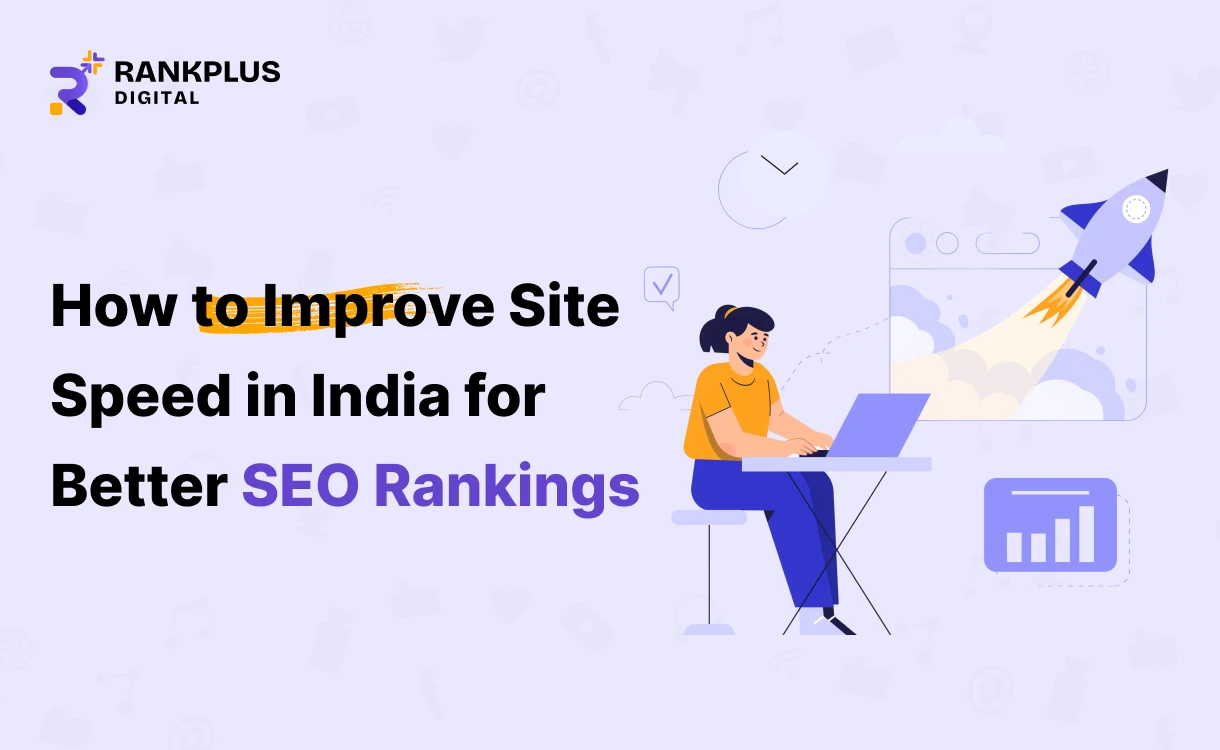
The speed of a website is an important factor in the success of SEO, particularly in a mobile-based economy such as India where people view websites using various types of devices, as well as network speeds. Slow web web sites annoy users and reduce Google search and conversion rates, and negatively affect the user experience.
The diverse device and browser and network speed usage patterns among Indian internet users make it essential for websites to implement site speed optimization measures. Improving site speed on your website has become a crucial requirement for achieving first-page results on Google.
The complete guide provides instructions for improving website speed on Indian websites to achieve better search engine optimization results and higher user engagement and increased conversion rates.
Why Site Speed Matters for SEO in India
Page speed is an important ranking factor for Google.
- Rank higher in Google search results
- Reduce bounce rates
- Improve Core Web Vitals scores
- Increase user engagement and conversions
The optimization of mobile site speed becomes essential because mobile users account for most of the internet traffic in India.
1. Optimize Images for the Web
Websites experience their slowest performance because of large uncompressed images which serve as one of their leading causes.
Best Practices:
- Use TinyPNG, Imageoptimization , and ShortPixel to compress your images.
- Convert images to WebP format for faster loading website.
- Use responsive images for different screen sizes.
- Webpage optimization requires implementing lazy loading for all images that appear below the first visible section of the webpage.
SEO Benefit:
Compressed images will be loaded quicker on the mobile network, which will improve the Core Web Vitals and reduce the bounce rate. Smaller and reduced images conserve bandwidth and also enhance user experience.
2. Minimise HTTP Requests
Each page file (images, scripts, stylesheets, etc.) generates HTTP requests that slow down the page load time.
Optimization Tips:
- Combine CSS and JavaScript files
- Remove unused plugins and scripts
- Replace multiple icons with SVG sprites
- Use inline CSS for small styling elements
SEO Benefit:
Reducing unnecessary files helps pages load quicker and improving rendering speed. This results in faster page interaction and better SEO performance.
3. Enable Browser Caching
By storing static files locally in the cache, a browser can access websites more quickly on subsequent visits.
Recommended Tools:
- WP Rocket
- W3 Total Cache
- LiteSpeed Cache
SEO Benefit:
It reduces server load and improves page speed scores.
4. Use a Content Delivery Network (CDN)
By distributing the content of your website across several servers, a CDN helps to speed up load times and minimize latency.
Popular CDN Services in India:
- Cloudflare
- StackPath
- Amazon CloudFront
Indian hosting companies such as Hostinger and BigRock offer integrated CDN services to their customers.
SEO Benefit:
Faster content delivery to users worldwide and at local locations.
5. Minify and Compress Code
Unoptimized code increases file size and delays rendering.
Minify:
- HTML
- CSS
- JavaScript
Compression:
- Enable Gzip or Brotli compression
Tools:
- UglifyJS
- CSSNano
- Minifier.org
SEO Benefit:
Minimized HTML, CSS, and JavaScript files cut down on the file size and hasten the downloading process on slow networks. This assists in obtaining improved PageSpeed Insights performance and performance.
6. Implement Lazy Loading for Images and Videos
Lazy loading ensures that videos and images only load when they are visible.
WordPress users should implement plugins such as a Lazy Load or use the built-in lazy loading system.
SEO Benefits:
Lazy loading delays off-screen images and videos, allowing the page to load faster initially. This improves mobile performance and saves user data usage.
7. Improve Server Response Time (TTFB)
There should be no more than 200 milliseconds in the server response time.
How to Improve TTFB:
- Select hosting servers which operate from Indian locations
- Upgrade to VPS or cloud hosting solutions
- Use managed WordPress hosting services
- Monitor TTFB with GTmetrix or Pingdom
SEO Benefits:
A faster server response ensures users see content quickly, improving SEO signals and reducing frustration. Lower TTFB also helps search engines crawl your site more efficiently.
8. Limit Redirects
The system experiences unnecessary delays due to excessive redirects.
Best Practices:
- Make sure there aren’t any redirect chains on your website.
- You need to repair all broken hyperlinks and outdated website addresses.
- The Screaming Frog and Ahrefs Site Audit tools should be used to find all redirects on your website.
SEO Benefits:
Reducing redirect chains removes unnecessary delays during page loading. Faster navigation improves user retention and helps search engines index pages quicker.
9. Use Caching Plugins (WordPress Sites)
What do caching plugins do to exclude websites from loading slowly, as they really create replicas of the pages on the internet?
Best Plugins:
WP Rocket
W3 Total Cache
LiteSpeed Cache
SEO Benefits:
Caching plugins generate preloaded page versions that load instantly for visitors. This stabilizes performance during high traffic and improves Core Web Vitals.
10. Optimize for Mobile Speed (India-Focused)
How come these caching plugins can make these sluggish-loading sites vanish when they create mirror images of the actual pages on the internet?
Mobile Speed Tips:
- Use AMP (Accelerated Mobile Pages)
- Optimize all images for mobile devices
- Delete heavy animations
- Implement mobile-friendly layouts
SEO Benefit:
Better mobile rankings and user experience.
11. Reduce External Scripts and Third-Party Plugins
Third-party scripts, like chat widgets, trackers, and ads, slow down websites.
Best Practices:
Use only essential scripts
Load scripts asynchronously
Avoid unnecessary tracking tools
SEO Benefit:
Limiting third-party scripts reduces render-blocking elements and speeds up loading time. It also improves layout stability and protects user privacy.
12. Clean and Optimize Website Database
Several websites’ databases store redundant data, including revisions and spam comments.
Tools:
- WP-Optimize
- Advanced Database Cleaner
SEO Benefit:
Removing unnecessary data keeps your database lightweight and improves backend performance. A cleaner database leads to faster queries and smoother website operation.
13. Preload, Prefetch, and Preconnect Resources
- Preload fonts and scripts
- Prefetch important resources
- Preconnect third-party domains
SEO Benefit:
Removing unnecessary data keeps your database lightweight and improves backend performance. A cleaner database leads to faster queries and smoother website operation.
14. Choose a Lightweight Website Theme
The website themes directly influence the loading speed.
Recommended Themes:
- Astra
- GeneratePress
- Hello Elementor
Avoid heavy themes with unnecessary features.
SEO Benefit:
Lightweight themes use cleaner code and fewer scripts, resulting in faster rendering and better mobile performance. This makes SEO optimization easier and more effective.
Final Thoughts:
The simplest method of improving SEO in India, is to ensure the websites load faster. Users have improved experiences on sites that load faster, thus, enhancing conversion and positioning on Google.

Narendra Patel
Narendra Patel is a results-driven digital marketing strategist who blends creativity with sharp analytics. From boosting search rankings to crafting high-impact ad campaigns, he helps businesses stand out and succeed in today’s competitive digital landscape.